Access web UI
Step 1 : Log on to Load balancer VM : 9.30.200.145
Step 2 : List the content of the kubeadmin-password from ocp-deploy directory
cat /root/ocp-install/ocp-deploy/auth/kubeadmin-password
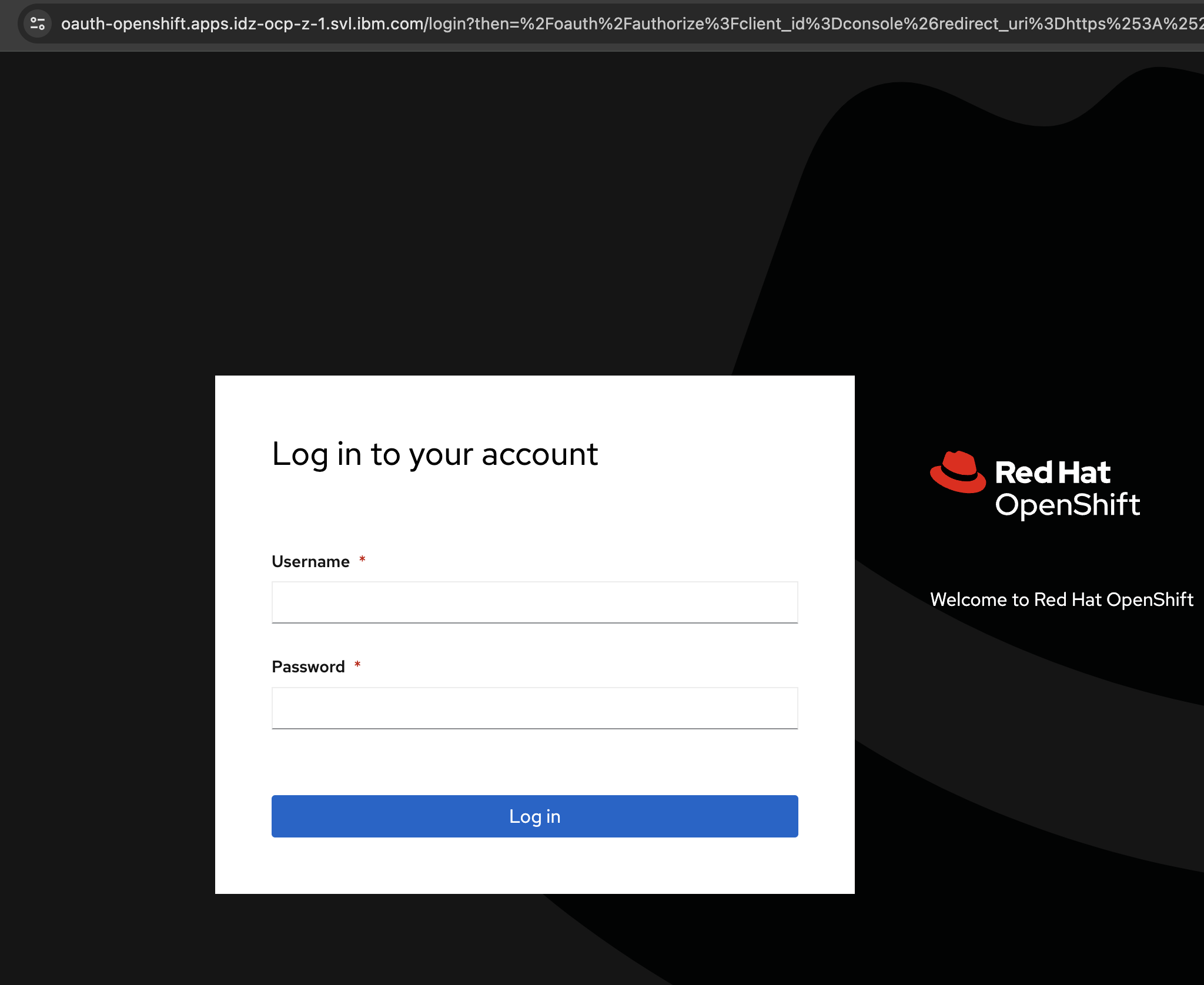
Step 3 : Access Openshfit Console
In your browser, go to: https://console-openshift-console.apps.idz-ocp-z-1.example.com/
Note: Username: kubeadmin and use password from step 2